Raise your laptop, adjust the angle and keep everyday connections together with a folding stand and built-in 7-in-1 USB-C hub.
WHY THIS WORKS
Raise the Screen, Gather the Connections
WHAT MAKES IT DIFFERENT
A Stand with Connections Built In
WHAT'S IN THE BOX
What comes with it?
SPECS
What are the product details?
SIMPLE SCIENCE
Lift changes the screen position
TRUST BADGES
At a glance
SAFETY REASSURANCES
What should I check before ordering?
✓Selected
The Elevate
7-in-1 Laptop Docking Stand
For HDMI output, your laptop’s USB-C port must support video output. Charging also requires a compatible USB-C PD charger and cable; 100 W is the stated input limit, not guaranteed power delivered to the laptop.
Opening the folding supports raises and tilts the laptop, bringing its screen to a different viewing position. The built-in hub routes compatible accessories through the laptop’s USB-C connection.
Silver aluminum-alloy laptop stand with integrated seven-port hub.
Adjustable height and viewing angle.
HDMI output up to 4K at 30 Hz; USB 3.0, SD/TF card access and USB-C connections.
USB-C PD input rated up to 100 W.
Silver aluminum-alloy laptop stand with integrated seven-port hub.
Adjustable height and viewing angle.
HDMI output up to 4K at 30 Hz; USB 3.0, SD/TF card access and USB-C connections.
A laptop stand and a loose hub can add separate pieces to your bag. This design combines the support and seven-port hub in one folding unit.
One laptop docking stand.
Adjust your laptop to a more useful viewing position and connect compatible accessories through the hub built into the stand. One item handles two parts of your portable setup.
Raises the laptop and adds eight essential connections from one foldable base.
Type and navigate without reaching for the screen or packing a separate keyboard and mouse.
WHY THIS WORKS
Bring the Controls to You
WHAT MAKES IT DIFFERENT
One Folding Input Setup
WHAT'S IN THE BOX
What comes with it?
SPECS
What are the product details?
SIMPLE SCIENCE
Input travels wirelessly
TRUST BADGES
At a glance
SAFETY REASSURANCES
What should I check before ordering?
✓Selected
The Control
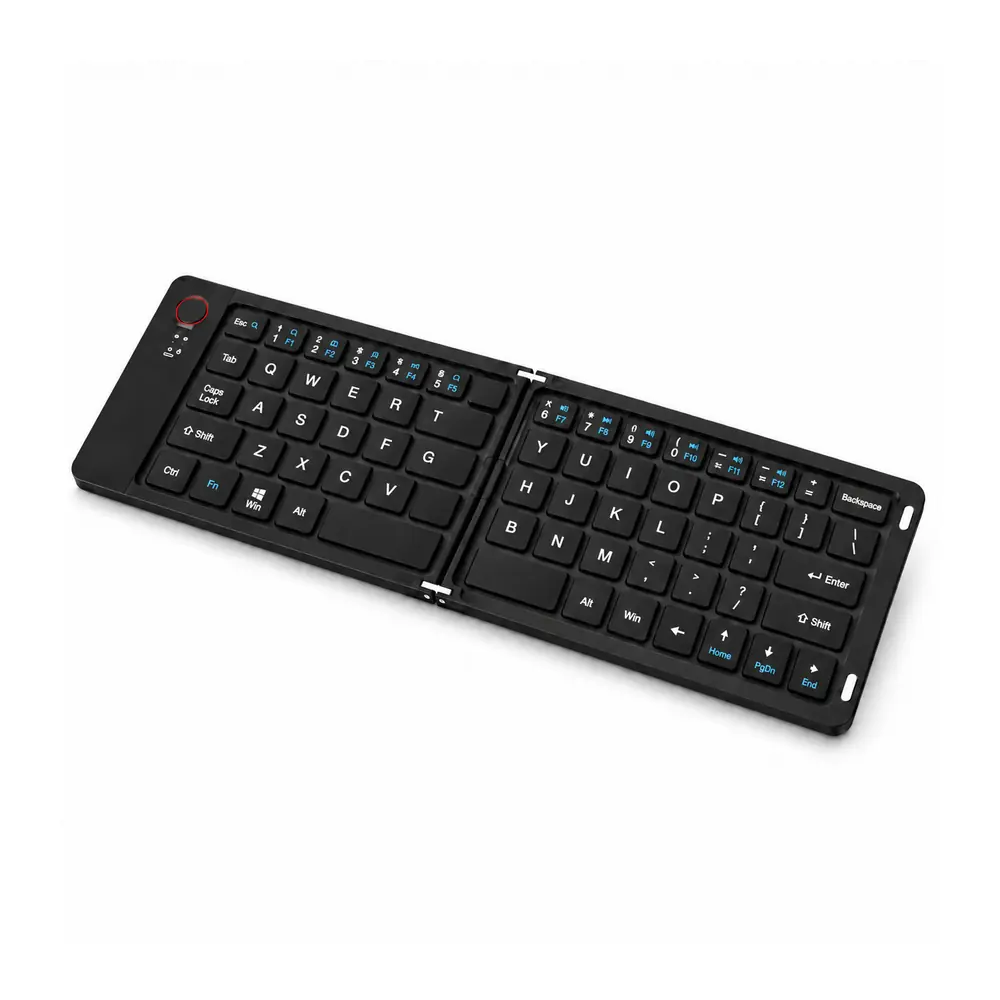
Folding Keyboard With Trackpad
Your device needs Bluetooth keyboard support. Trackpad functions and gestures depend on the operating system.
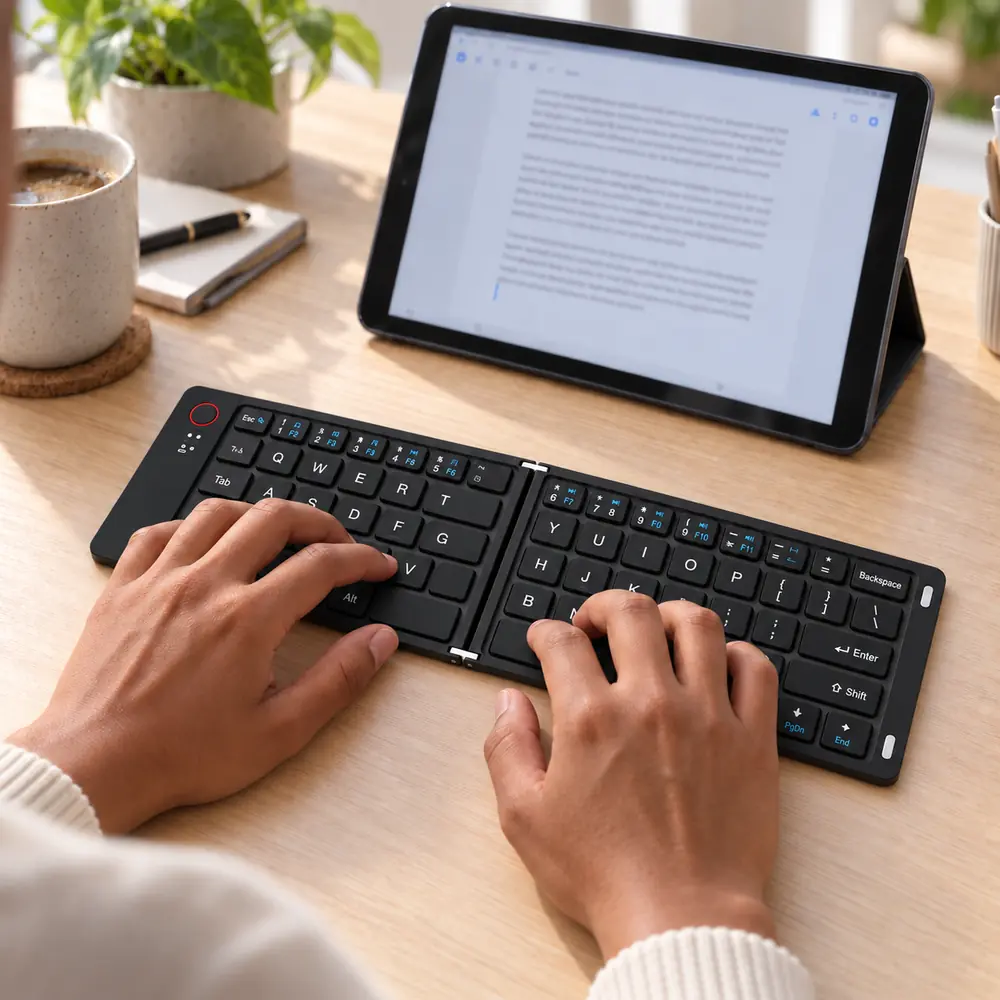
Key presses and trackpad movements become signals sent over Bluetooth to your paired device. You can type and move the pointer without reaching for the touchscreen each time.
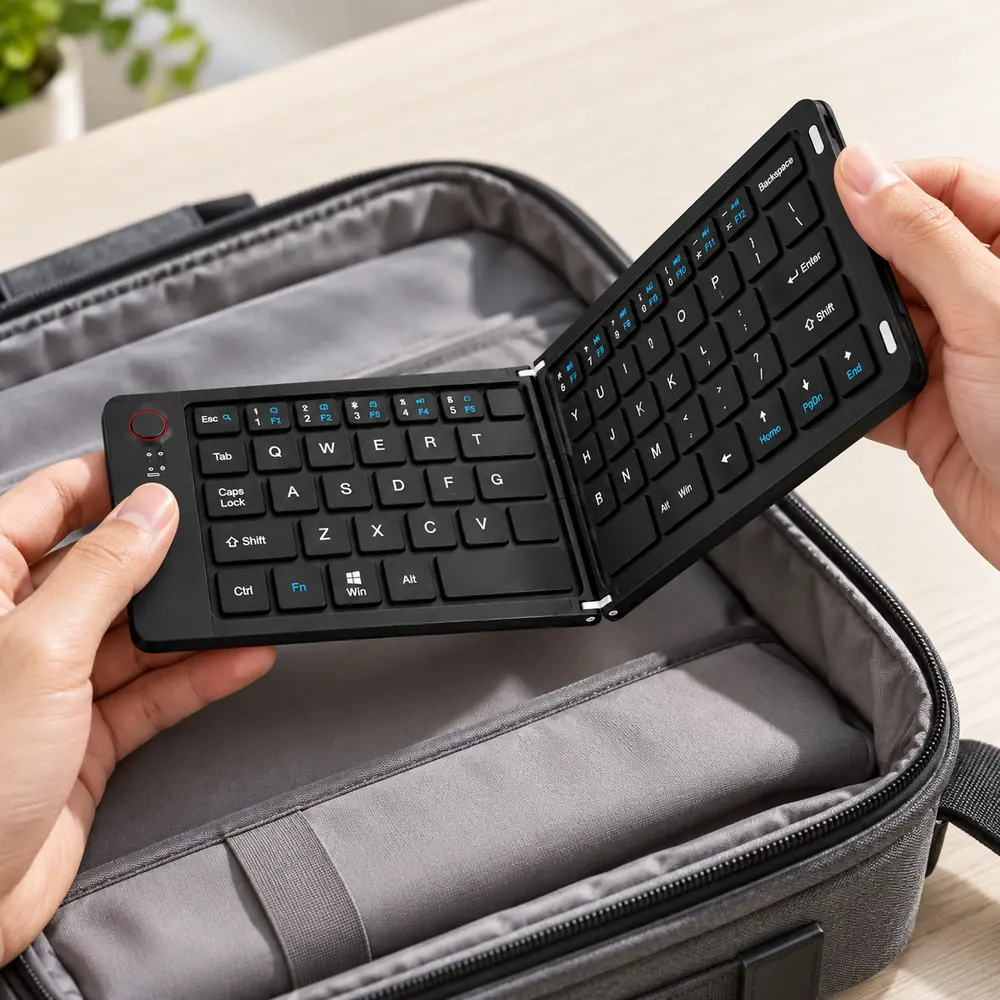
Black three-fold keyboard with integrated trackpad.
Bluetooth connection; English key layout.
Rechargeable design; listed support for iOS, Windows and Android.
Black three-fold keyboard with integrated trackpad.
Bluetooth connection; English key layout.
Rechargeable design; listed support for iOS, Windows and Android.
A separate keyboard and mouse mean two items to pack. This folding unit keeps typing and pointer control together.
The selected black folding keyboard with integrated trackpad.
A keyboard and trackpad in one folding unit let you type and move the pointer without reaching up to your raised laptop. Pack the same compact unit when you move.
Combines compact typing and pointer control for the elevated laptop.
Keep messages and references beside your main screen, with less reaching for your phone.
WHY THIS WORKS
Keep Both Screens in Sight
WHAT MAKES IT DIFFERENT
Beside the Screen, Not on the Desk
WHAT'S IN THE BOX
What comes with it?
SPECS
What are the product details?
SIMPLE SCIENCE
Two contact points hold the phone
TRUST BADGES
At a glance
SAFETY REASSURANCES
What should I check before ordering?
✓Selected
The Expand
Universal Phone / Tablet Side Mount
Designed to hold a phone beside a suitable flat-backed laptop or monitor. Check that the mounting area and phone case are suitable for adhesive and magnetic attachment.
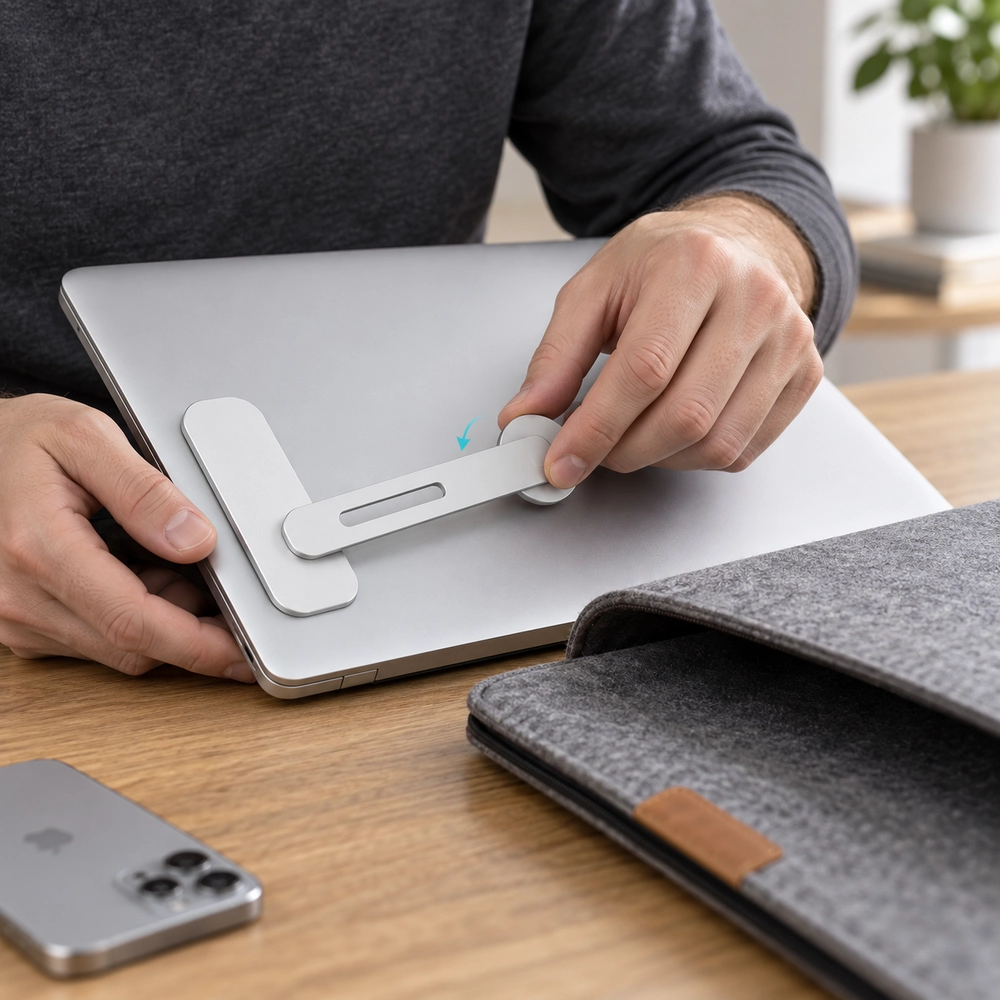
Adhesive anchors the mount to a suitable computer surface; magnetic attraction holds a compatible phone or case against the other end. This lifts the phone off the desk and keeps it beside your screen.
Color: White.
Material: Aluminum alloy.
Mounting: Adhesive-backed computer mount with magnetic phone hold.
Adjustment: Folds away; up to 180° adjustment.
Mounting: Adhesive-backed computer mount with magnetic phone hold.
Adjustment: Folds away; up to 180° adjustment.
Rather than leaving your phone flat among your desk items, position it beside the main screen. The mount folds away when you do not need it.
One magnetic phone mount.
One magnetic ring for a compatible non-magnetic phone case.
Position a compatible phone beside your main screen so checking a message or reference does not mean picking it up every time. Fold the mount away when you are finished.
Positions a phone or tablet beside the laptop as a secondary display.
Light, noise, and temperature send “stay alert” signals your brain can’t ignore. Your body never enters the first sleep stage because it thinks the environment isn’t safe.
How You Shut Those Signals Down
Total darkness boosts melatonin.
Steady sound prevents cortisol spikes.
Cooling triggers your natural sleep switch.
These remove the exact triggers blocking sleep.
What Happens When Your Brain Finally Lets Go
Your system stops scanning the room.
Stress hormones drop.
Thoughts slow.
Your body slips into real sleep instead of fighting it.