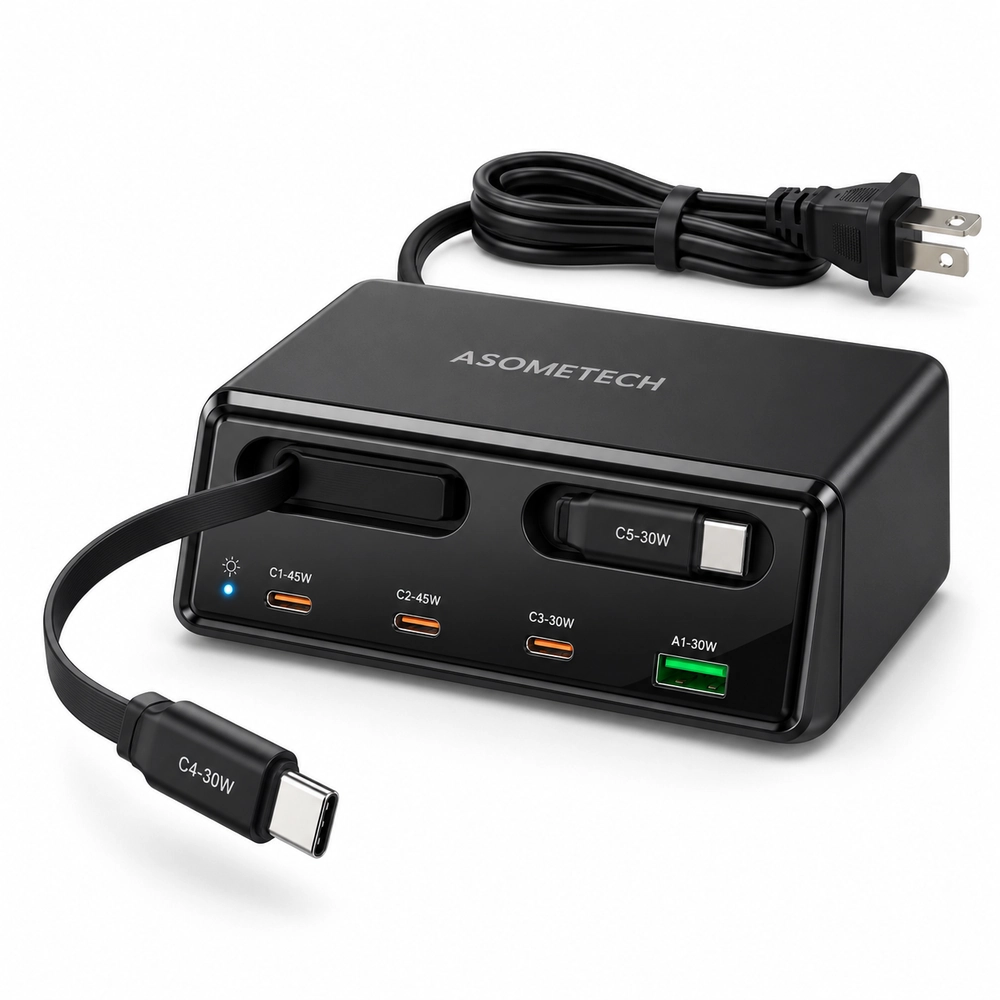
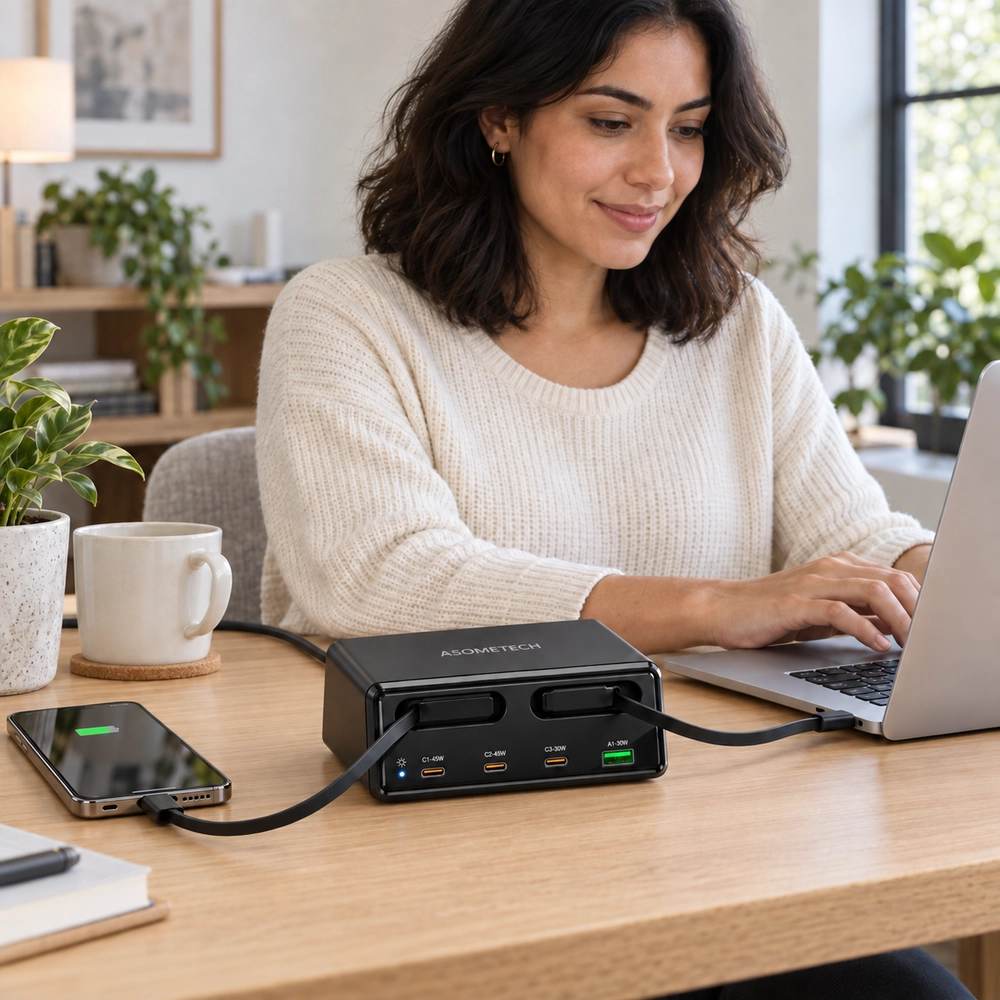
Keep charging in one place, then retract the loose leads when your devices are ready.
WHY THIS WORKS
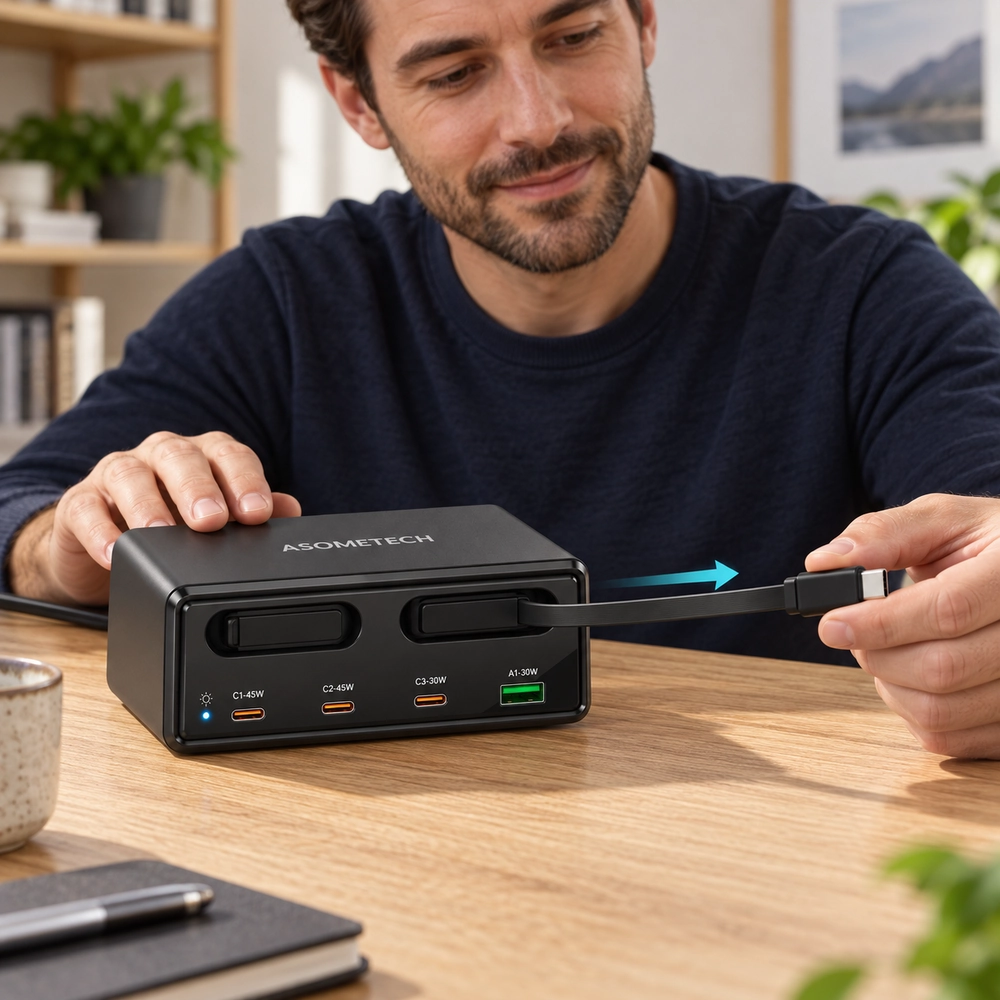
Pull Out a Lead, Put It Away
WHAT MAKES IT DIFFERENT
Less Cable Left on the Desk
WHAT'S IN THE BOX
What comes with it?
SPECS
What are the product details?
SIMPLE SCIENCE
Unused cable returns to the base
TRUST BADGES
At a glance
SAFETY REASSURANCES
What should I check before ordering?
✓Selected
The Power
Retractable Desktop Charging Hub
Use connectors that match your devices. Charging speed depends on the device, cable and ports in use; this is a charging station rather than a data hub.
Extending a lead brings its connector to your device; retracting it draws the unused length back into the station. Less cable remains spread across the desk between uses.
Desktop charging station with US plug.
Two retractable USB-C leads, each extending up to 70 cm.
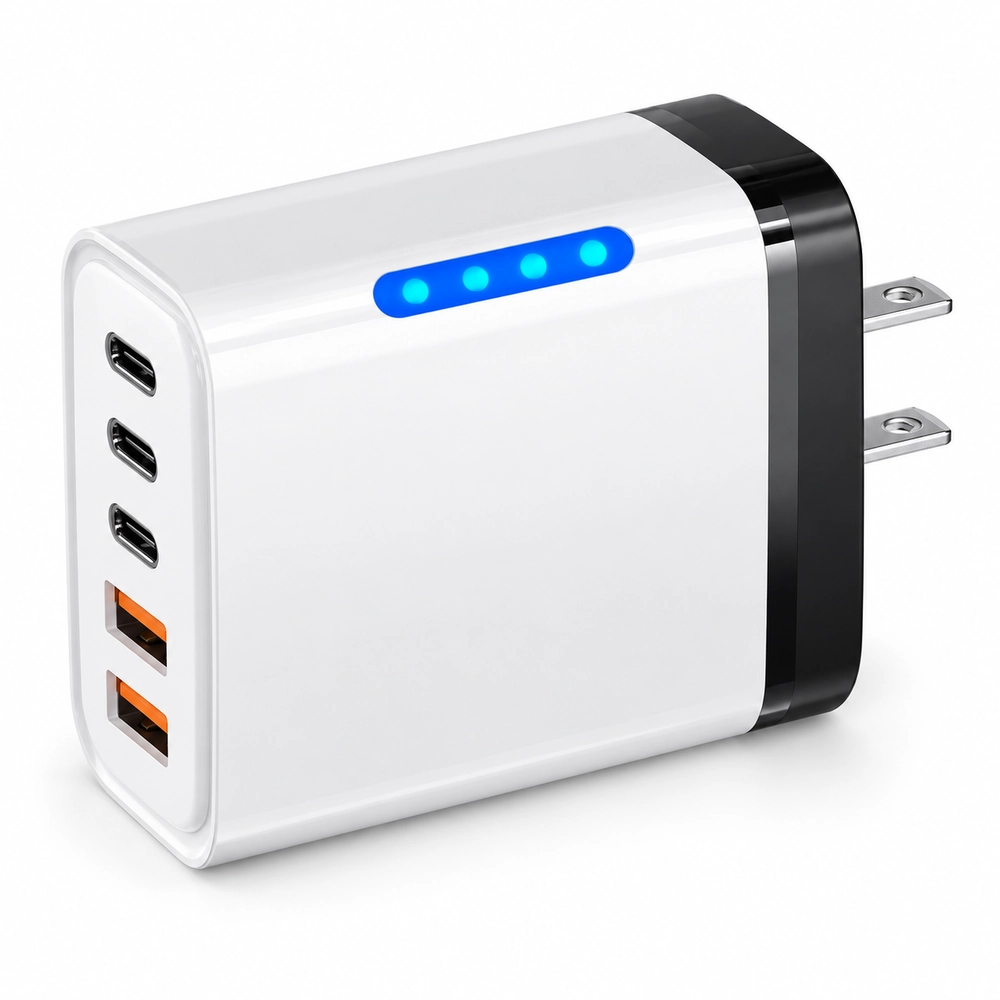
Three USB-C ports and one USB-A port.
AC 100–240 V input.
Desktop charging station with US plug.
Two retractable USB-C leads, each extending up to 70 cm.
Three USB-C ports and one USB-A port.
Ordinary charging leads stay stretched across the surface after use. These built-in leads retract into the station when you are finished.
The selected desktop charging station with US plug and built-in retractable leads.
Keep routine charging at one point on your desk. Extend a built-in USB-C lead when you need it, then retract it gently rather than leaving another loose cable across the surface.
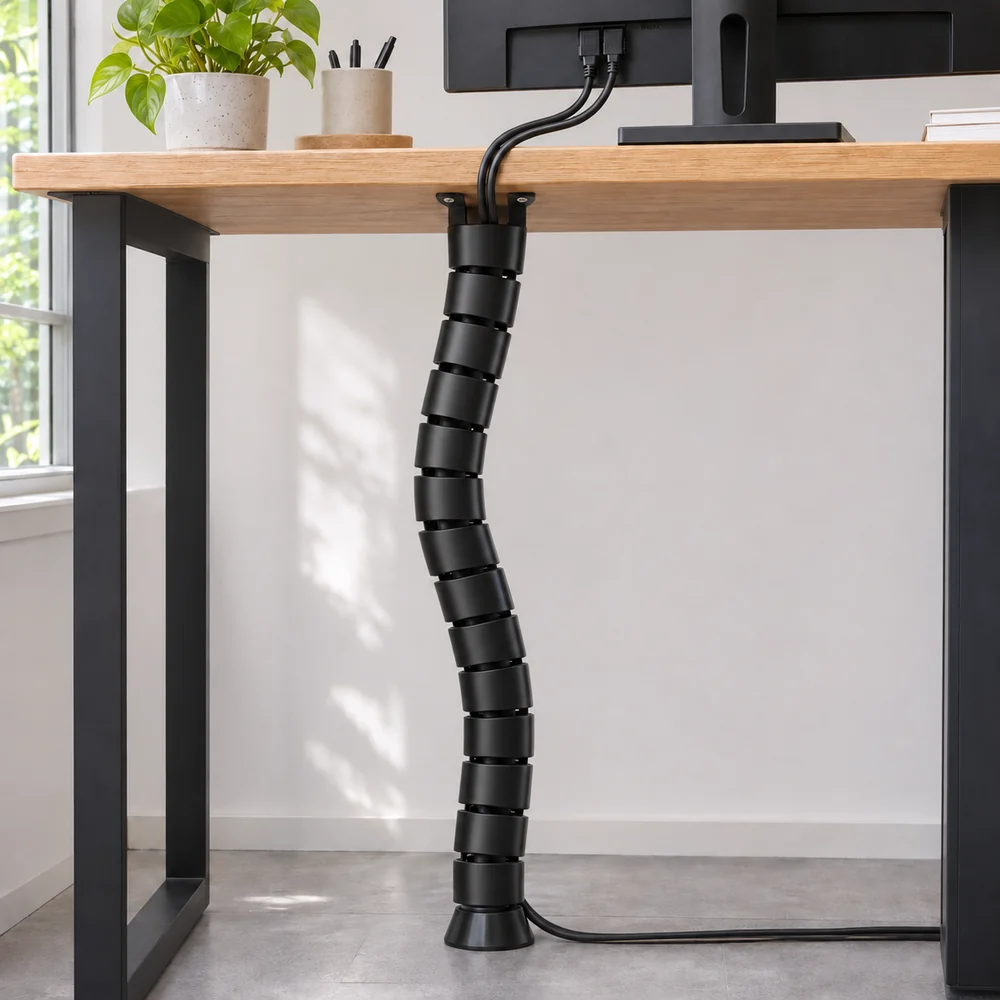
A flexible 80 cm cable-management spine gathers hanging leads beneath your desk, so your charging setup looks tidier from top to bottom.
WHY THIS WORKS
Turn Loose Leads into One Route
WHAT MAKES IT DIFFERENT
A Route for the Hanging Lengths
WHAT'S IN THE BOX
What comes with it?
SPECS
What are the product details?
SIMPLE SCIENCE
One route for loose leads
TRUST BADGES
At a glance
SAFETY REASSURANCES
What should I check before ordering?
✓Selected
The Control
Under-Desk Cable Spine
Measure the cable route from your desk to the floor or connection point: this spine is 80 cm long.
The linked sections bend while holding cables together along the same route. Grouping the leads limits how widely they spread between the desk and the floor.
Black A4 cable spine.
Length: 80 cm.
Material: ABS.
Flexible linked design for routing cables beneath the desk.
Black A4 cable spine.
Flexible linked design for routing cables beneath the desk.
Tidy charging hardware can still leave loose cables hanging below it. The spine groups those hanging lengths into one flexible run.
Includes one cable organizer.
Gather the cables hanging from your desk into a single flexible run. It gives the underside of your setup a more deliberate, orderly look.
Anchors frequently used cables so their ends stay separated and within reach.
Move plugs, adapters and spare cable off the floor without drilling into your desk.
WHY THIS WORKS
Give the Cable Clutter a Home
WHAT MAKES IT DIFFERENT
Mounted Without Making Holes
WHAT'S IN THE BOX
What comes with it?
SPECS
What are the product details?
SIMPLE SCIENCE
The desk edge carries the load
TRUST BADGES
At a glance
SAFETY REASSURANCES
What should I check before ordering?
✓Selected
The Hide
Under-Desk Cable Management Tray
Your desk edge must be 2–4.5 cm thick with room underneath for the clamps. Allow 40 × 14 cm for the tray; check that an apron or frame does not block the mounting area.
Tightening the clamps grips the desk edge and supports the tray underneath. Cable slack and power strips then rest in the tray rather than hanging freely below your workspace.
Black non-retractable iron tray.
Tray size: 40 × 14 × 4 cm.
Fits desks with a 2–4.5 cm-thick edge.
Hand-tightened clamp mounting; no drilling.
Black non-retractable iron tray.
Tray size: 40 × 14 × 4 cm.
Fits desks with a 2–4.5 cm-thick edge.
Instead of drilling a tray into the desktop, attach this one with hand-tightened clamps. Check the desk edge and clearance before fitting.
Includes one storage tray.
Move your power strip, adapters and spare cable length into a tray beneath the desk. Your connections stay reachable while the space around your feet looks clearer.
Moves power strips, charging bricks and excess cable beneath the desk.
Light, noise, and temperature send “stay alert” signals your brain can’t ignore. Your body never enters the first sleep stage because it thinks the environment isn’t safe.
How You Shut Those Signals Down
Total darkness boosts melatonin.
Steady sound prevents cortisol spikes.
Cooling triggers your natural sleep switch.
These remove the exact triggers blocking sleep.
What Happens When Your Brain Finally Lets Go
Your system stops scanning the room.
Stress hormones drop.
Thoughts slow.
Your body slips into real sleep instead of fighting it.