Keep your most-used commands within reach, so repeated menu clicks take up less of your working day.
WHY THIS WORKS
Put repeated commands within reach
WHAT MAKES IT DIFFERENT
Your frequent commands, close by
WHAT'S IN THE BOX
What comes with it?
SPECS
What are the product details?
SIMPLE SCIENCE
One Key Sends the Assigned Command
TRUST BADGES
At a glance
SAFETY REASSURANCES
What should I check before ordering?
✓Selected
The Automate
Programmable Productivity Keypad
Custom shortcuts require the supplier’s configuration software. The supplied setup instructions use Windows; do not assume that configuration software runs on every operating system.
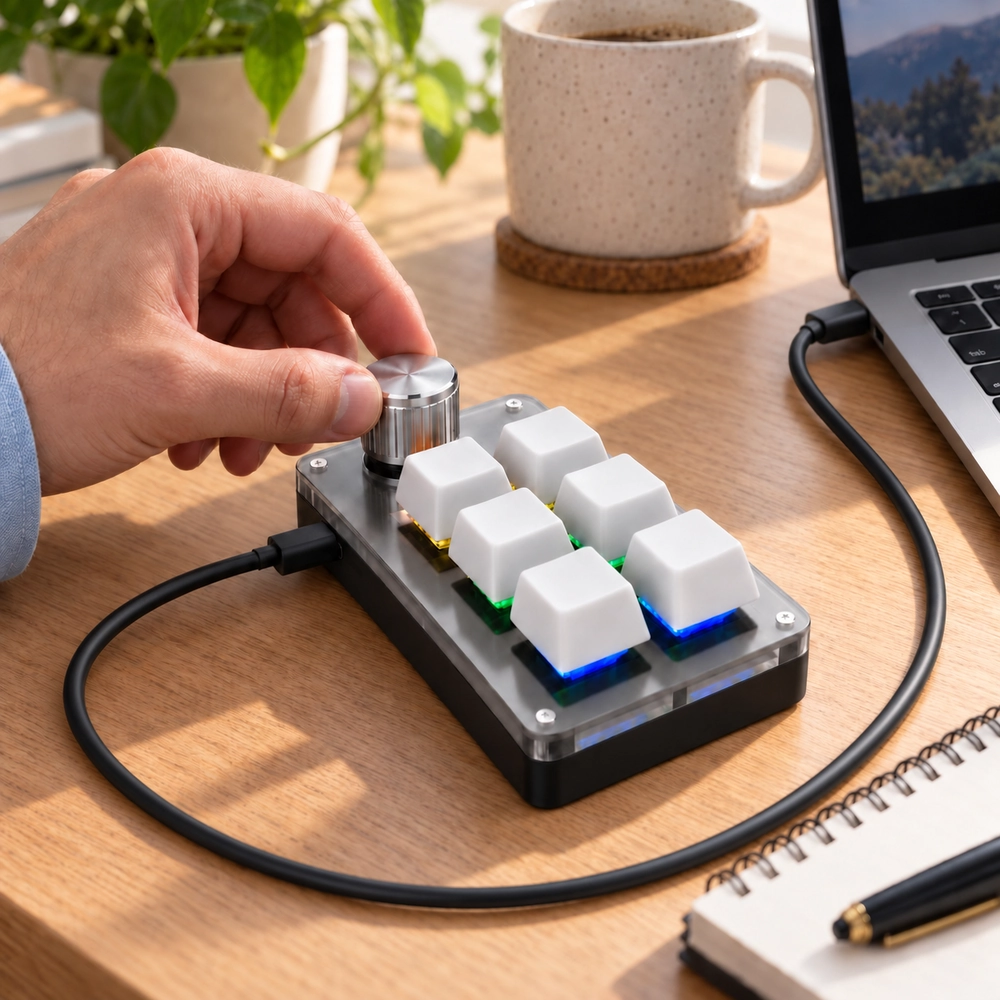
Programming a key assigns it a shortcut that your computer receives when you press it. This turns a command you would otherwise type or find in a menu into a dedicated physical control.
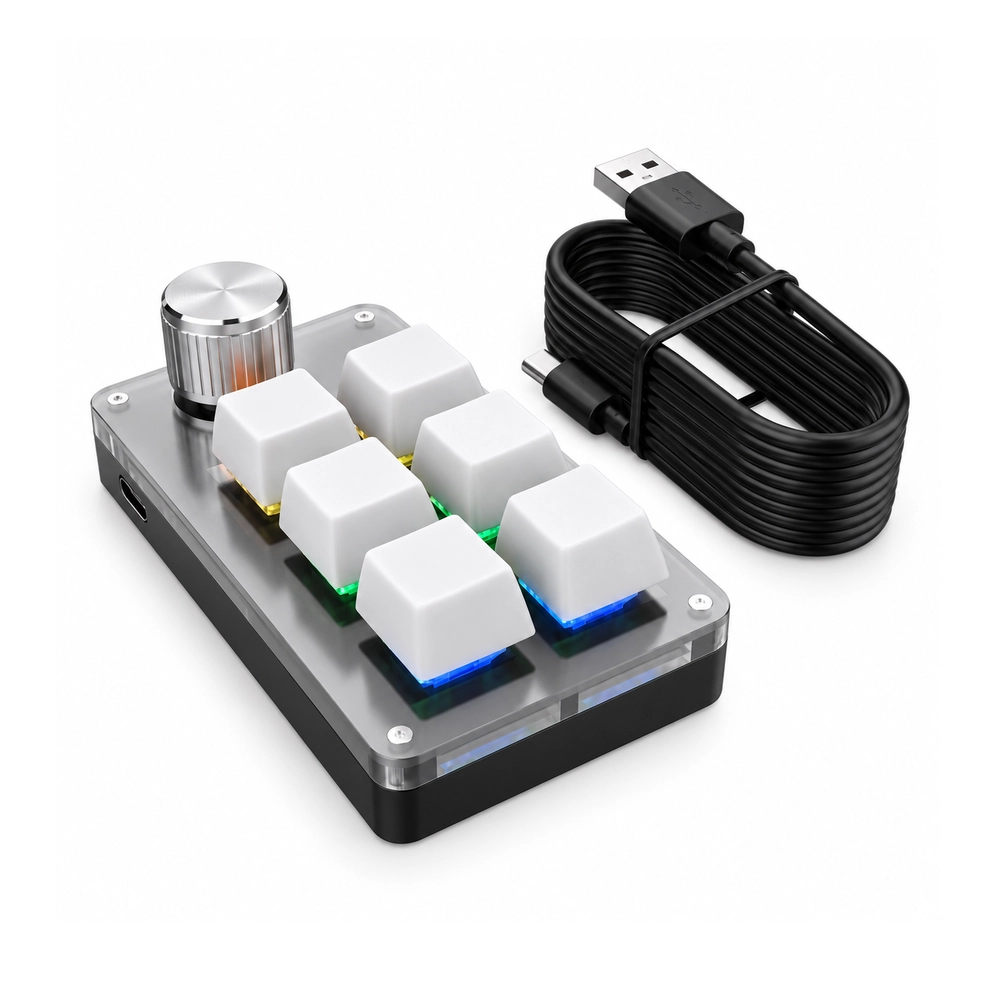
Color: White.
Controls: Six mechanical keys and one rotary knob.
Connection: Wired USB with USB-C connection at the keypad.
Lighting: Configurable RGB modes.
Controls: Six mechanical keys and one rotary knob.
Connection: Wired USB with USB-C connection at the keypad.
Lighting: Configurable RGB modes.
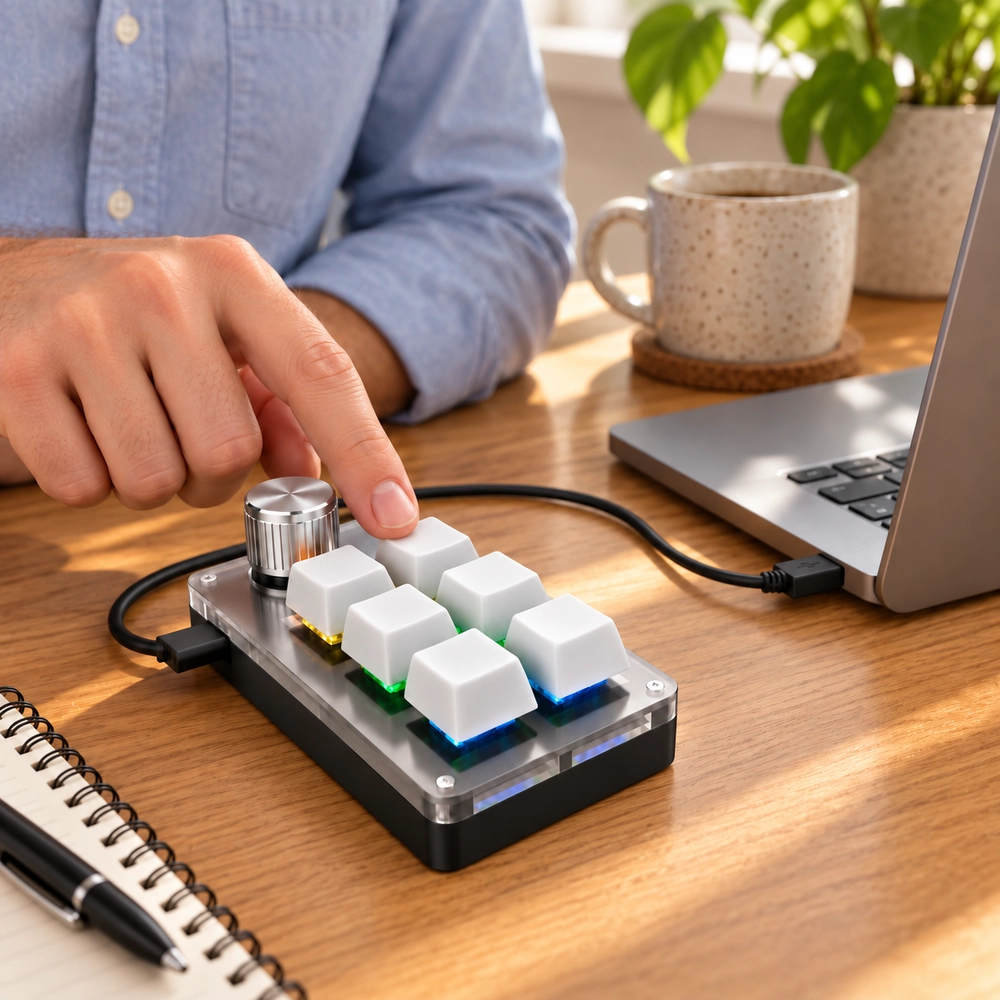
Menu navigation repeats the same small steps throughout the day. Assign supported shortcuts to dedicated keys and a knob so those actions are easier to reach.
The selected white six-key keypad with rotary knob.
Assign your everyday shortcuts to six keys and a rotary control. Once configured, common actions are close at hand instead of buried in menus.
Turns repeated commands and controls into dedicated keys and one dial.
Keep messages and references beside your main screen, with less reaching for your phone.
WHY THIS WORKS
Keep Both Screens in Sight
WHAT MAKES IT DIFFERENT
Beside the Screen, Not on the Desk
WHAT'S IN THE BOX
What comes with it?
SPECS
What are the product details?
SIMPLE SCIENCE
Two contact points hold the phone
TRUST BADGES
At a glance
SAFETY REASSURANCES
What should I check before ordering?
✓Selected
The Sidecar
Universal Phone / Tablet Side Mount
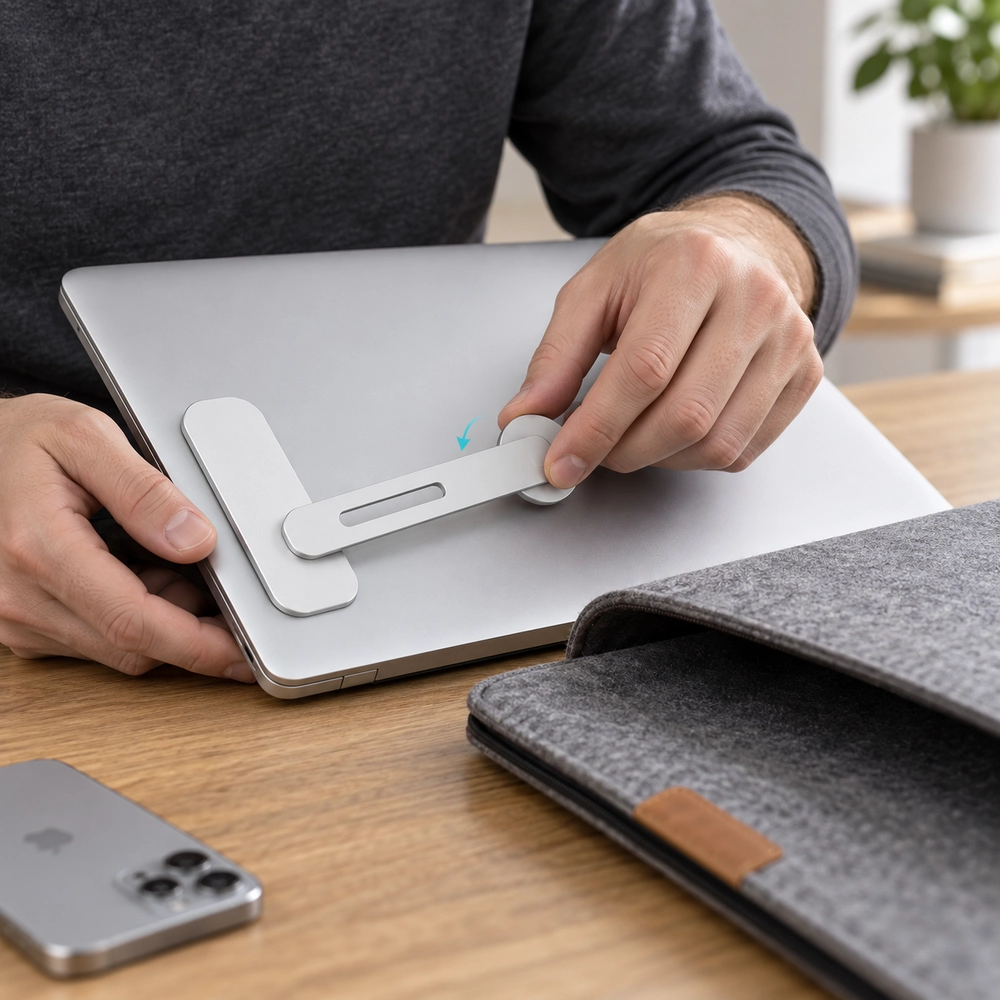
Designed to hold a phone beside a suitable flat-backed laptop or monitor. Check that the mounting area and phone case are suitable for adhesive and magnetic attachment.
Adhesive anchors the mount to a suitable computer surface; magnetic attraction holds a compatible phone or case against the other end. This lifts the phone off the desk and keeps it beside your screen.
Color: White.
Material: Aluminum alloy.
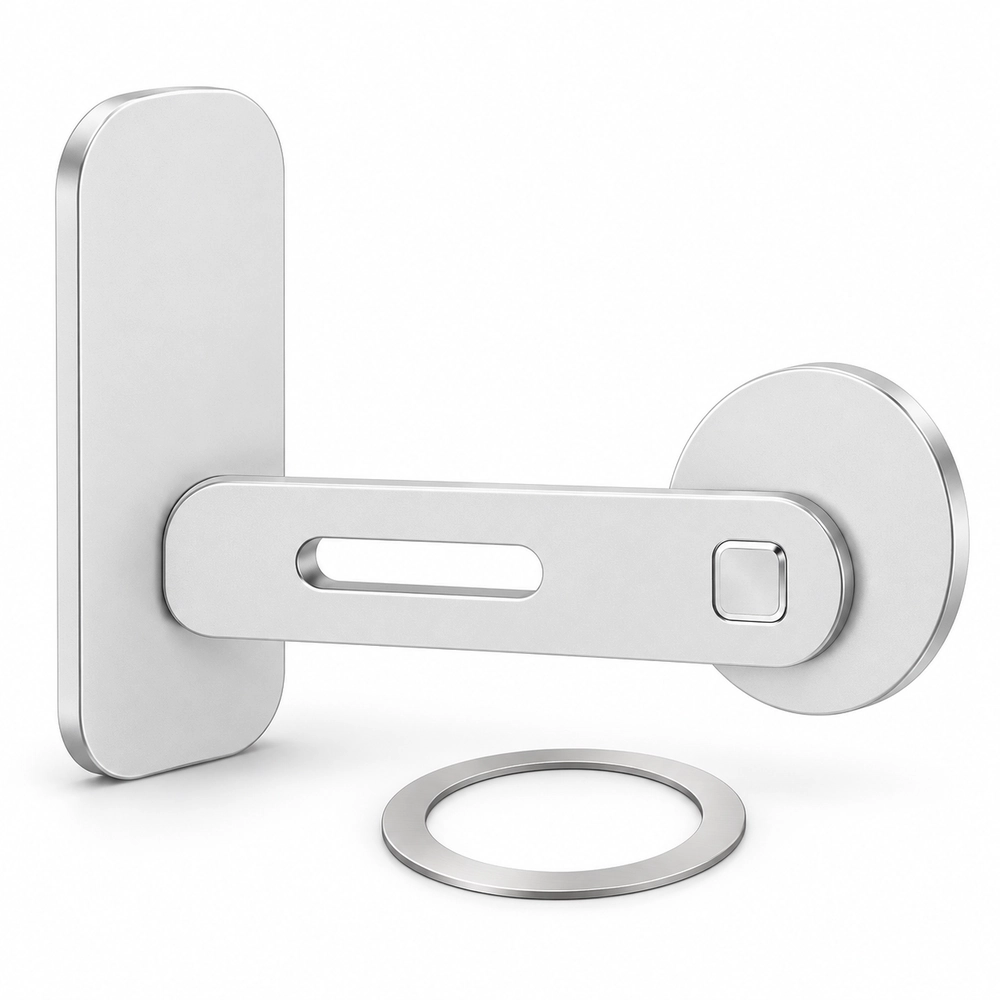
Mounting: Adhesive-backed computer mount with magnetic phone hold.
Adjustment: Folds away; up to 180° adjustment.
Mounting: Adhesive-backed computer mount with magnetic phone hold.
Adjustment: Folds away; up to 180° adjustment.
Rather than leaving your phone flat among your desk items, position it beside the main screen. The mount folds away when you do not need it.
One magnetic phone mount.
One magnetic ring for a compatible non-magnetic phone case.
Position a compatible phone beside your main screen so checking a message or reference does not mean picking it up every time. Fold the mount away when you are finished.
Keeps a supported phone or tablet visible beside the laptop screen.
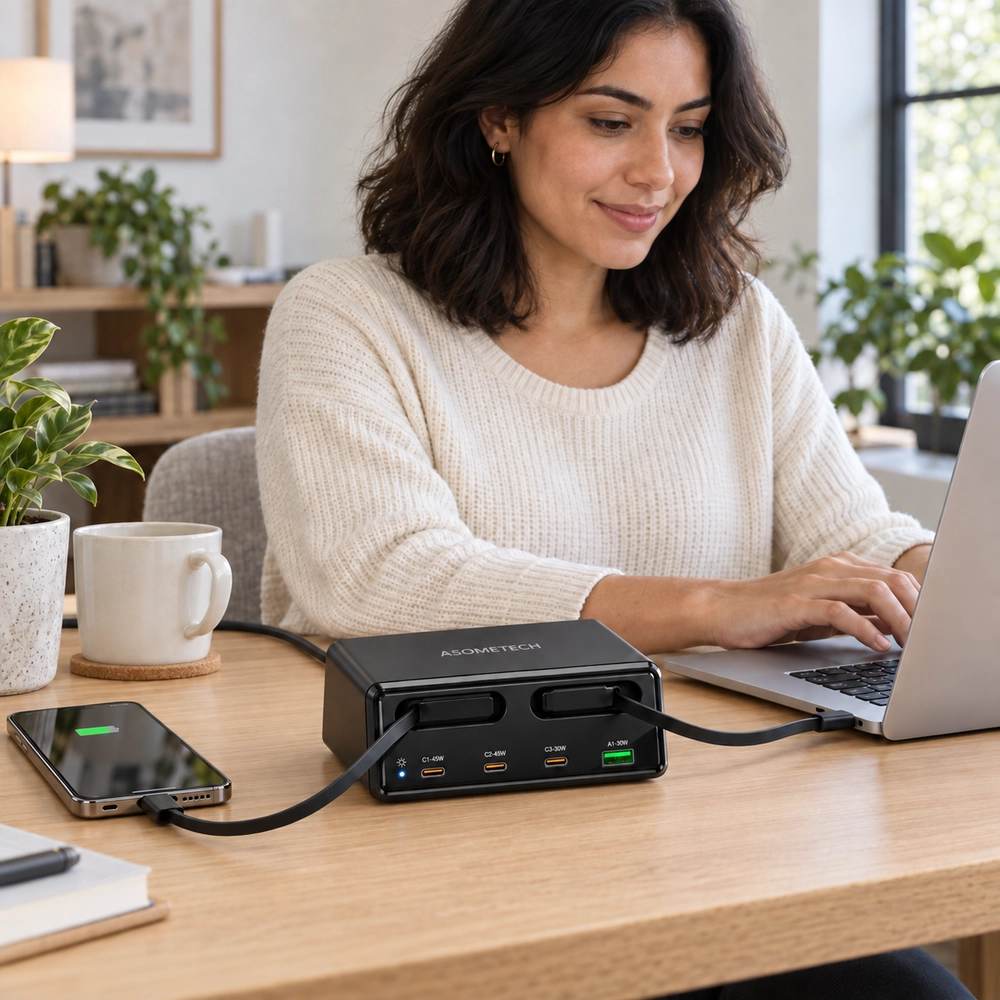
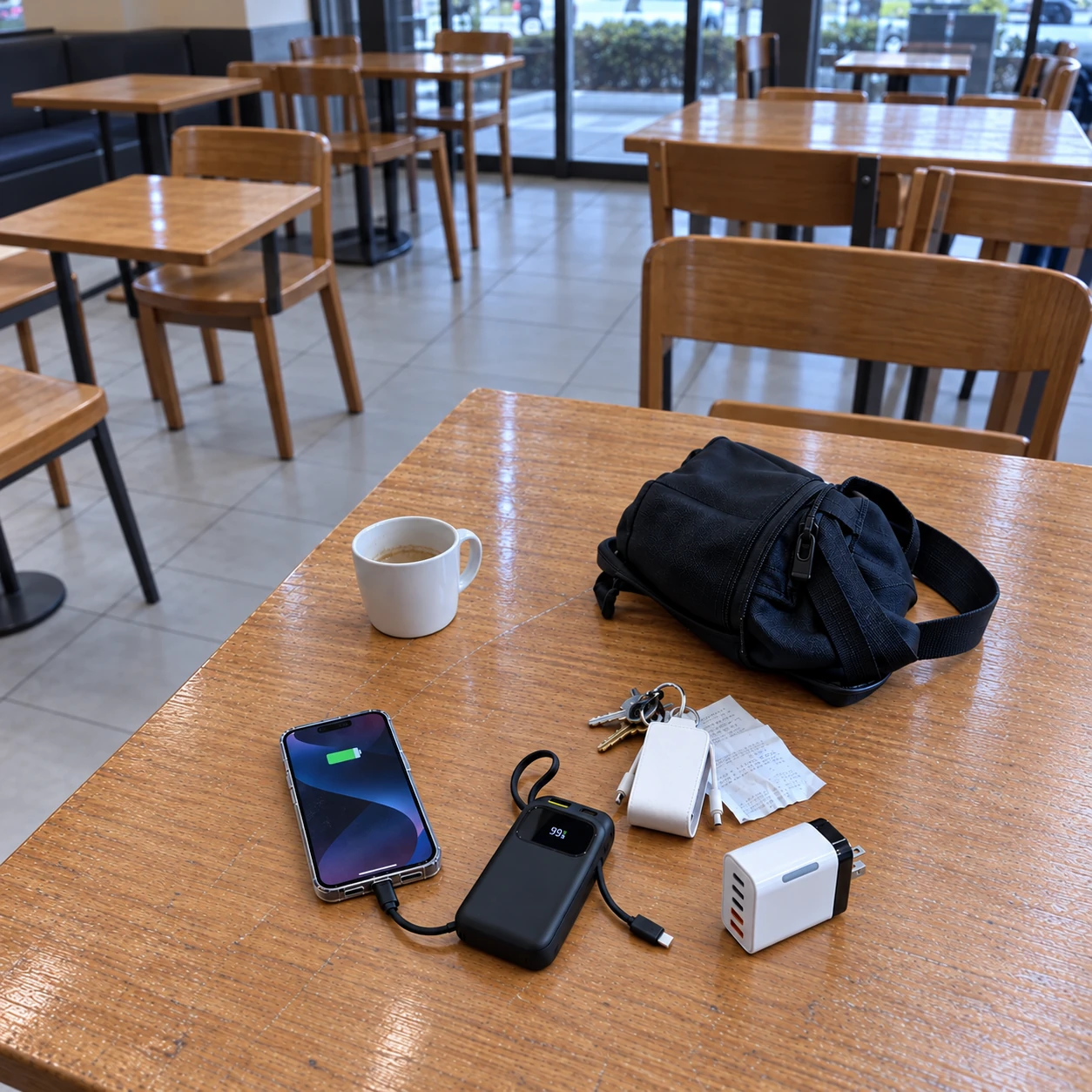
Keep charging in one place, then retract the loose leads when your devices are ready.
WHY THIS WORKS
Pull Out a Lead, Put It Away
WHAT MAKES IT DIFFERENT
Less Cable Left on the Desk
WHAT'S IN THE BOX
What comes with it?
SPECS
What are the product details?
SIMPLE SCIENCE
Unused cable returns to the base
TRUST BADGES
At a glance
SAFETY REASSURANCES
What should I check before ordering?
✓Selected
The Power
Retractable Desktop Charging Hub
Use connectors that match your devices. Charging speed depends on the device, cable and ports in use; this is a charging station rather than a data hub.
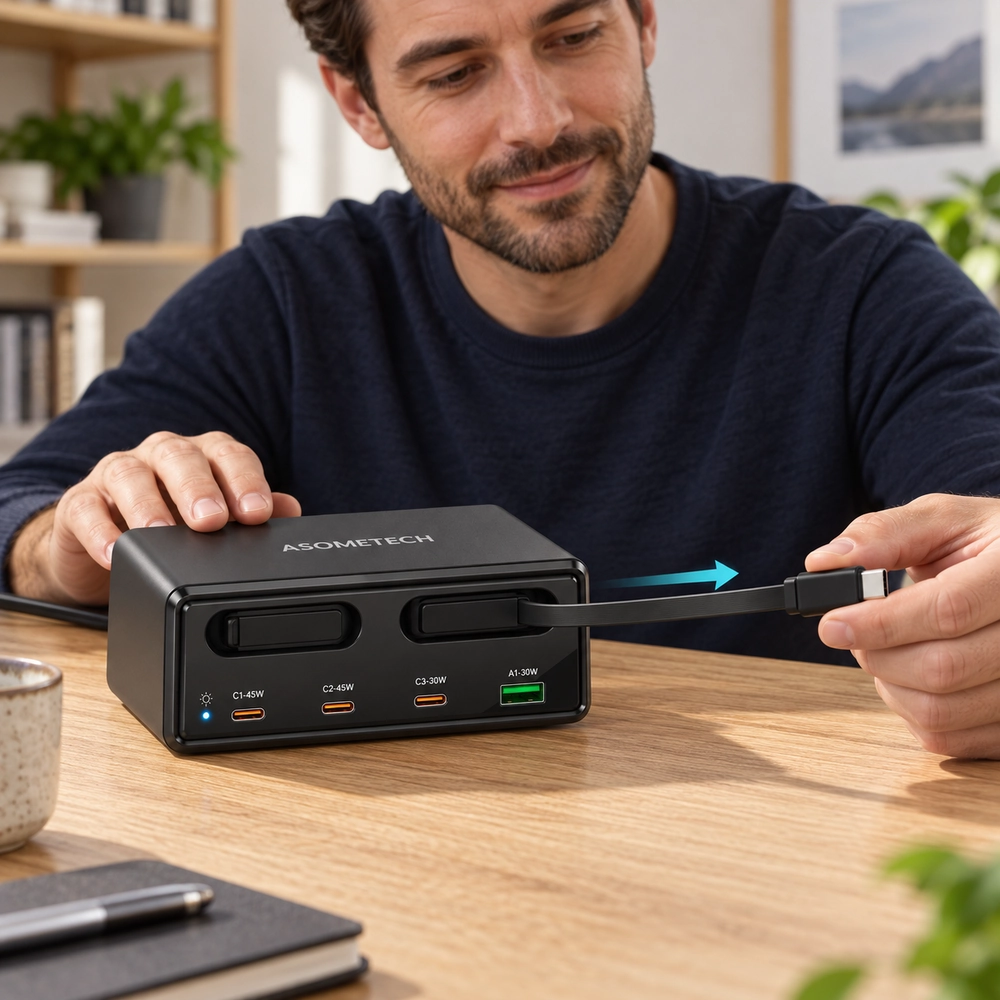
Extending a lead brings its connector to your device; retracting it draws the unused length back into the station. Less cable remains spread across the desk between uses.
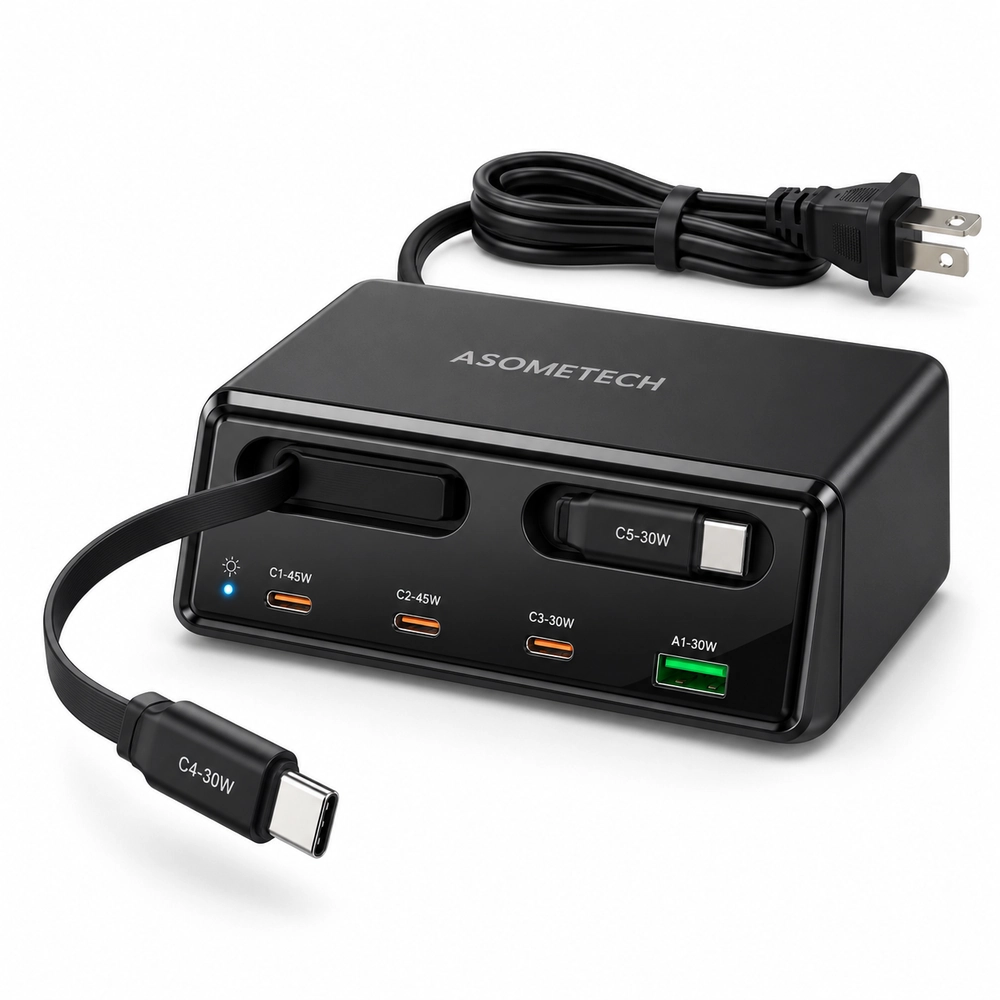
Desktop charging station with US plug.
Two retractable USB-C leads, each extending up to 70 cm.
Three USB-C ports and one USB-A port.
AC 100–240 V input.
Desktop charging station with US plug.
Two retractable USB-C leads, each extending up to 70 cm.
Three USB-C ports and one USB-A port.
Ordinary charging leads stay stretched across the surface after use. These built-in leads retract into the station when you are finished.
The selected desktop charging station with US plug and built-in retractable leads.
Keep routine charging at one point on your desk. Extend a built-in USB-C lead when you need it, then retract it gently rather than leaving another loose cable across the surface.
Centralizes charging while retractable cables keep the work surface clearer.
Light, noise, and temperature send “stay alert” signals your brain can’t ignore. Your body never enters the first sleep stage because it thinks the environment isn’t safe.
How You Shut Those Signals Down
Total darkness boosts melatonin.
Steady sound prevents cortisol spikes.
Cooling triggers your natural sleep switch.
These remove the exact triggers blocking sleep.
What Happens When Your Brain Finally Lets Go
Your system stops scanning the room.
Stress hormones drop.
Thoughts slow.
Your body slips into real sleep instead of fighting it.